Multiple cameras
A wide shot of the room, a close shot of the speaker and a separate frame for the panel or the audience.

Agency service
Your event reaches the people who are not in the room
Online live streams for conferences, seminars and hybrid events: multiple cameras, a directed feed, on-screen graphics and a recording you reuse as content afterwards.
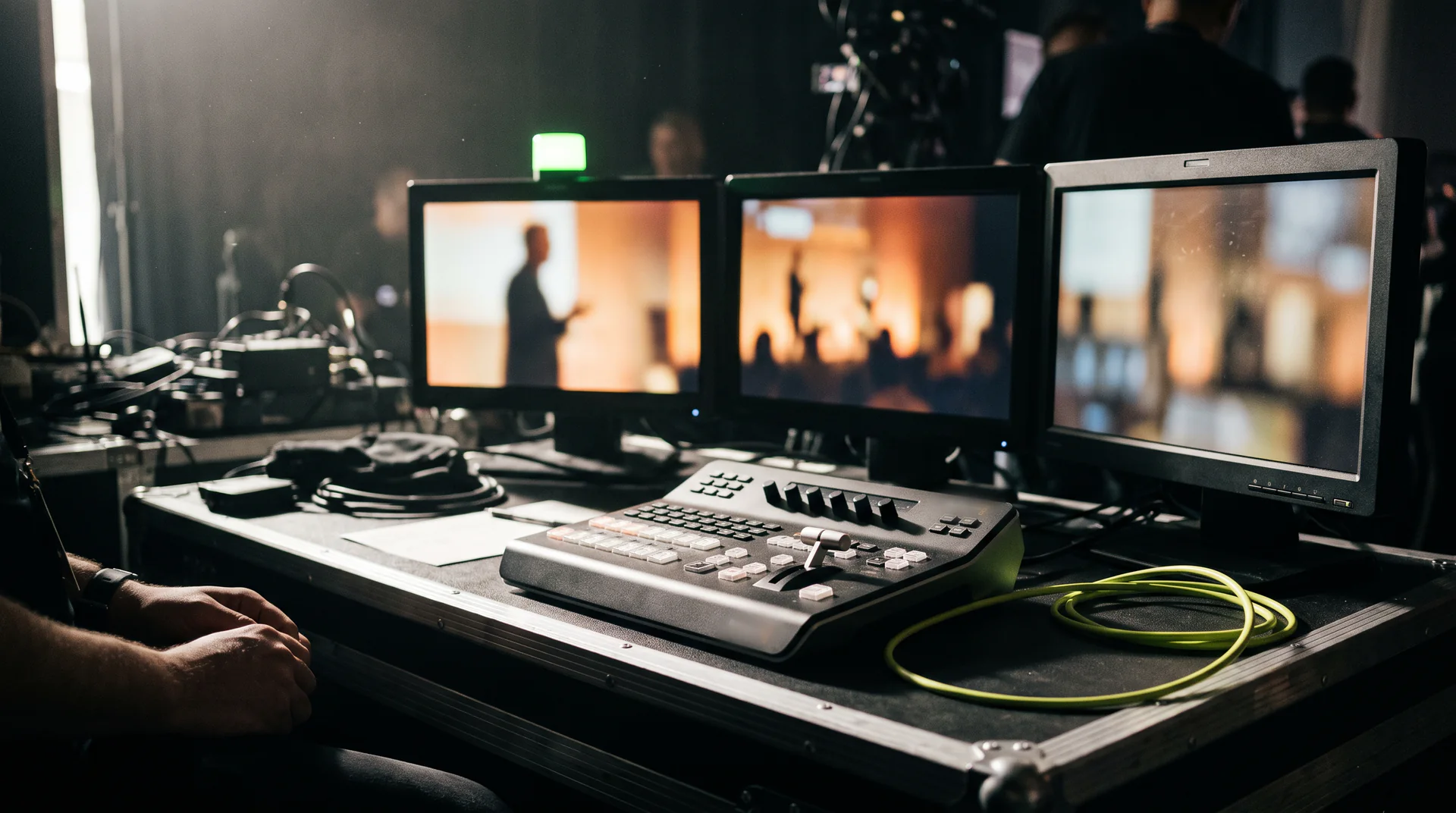
An online live stream is not filming from the back of the room, it is a second room for your event. Everyone who could not travel fits into it: clients from other cities, partners, the team working remotely. Event streaming shows the same programme to an audience several times larger, and stream registrations become a contact list you keep working with after the event.
We work with a production crew, so cameras, sound, direction and connectivity arrive together. You keep the programme and the speakers, the technical side from the first planning call to the recording handoff is ours. Conference streaming, seminars, product launches, training sessions and webinars, all-hands meetings, panel discussions, concerts and public celebrations: we scope it around your specific event.
How it looks
A remote viewer leaves in the first few minutes if they cannot see the speaker, cannot read the slide and can barely hear the sound. So we build the stream out of several layers that together hold attention for the whole event.
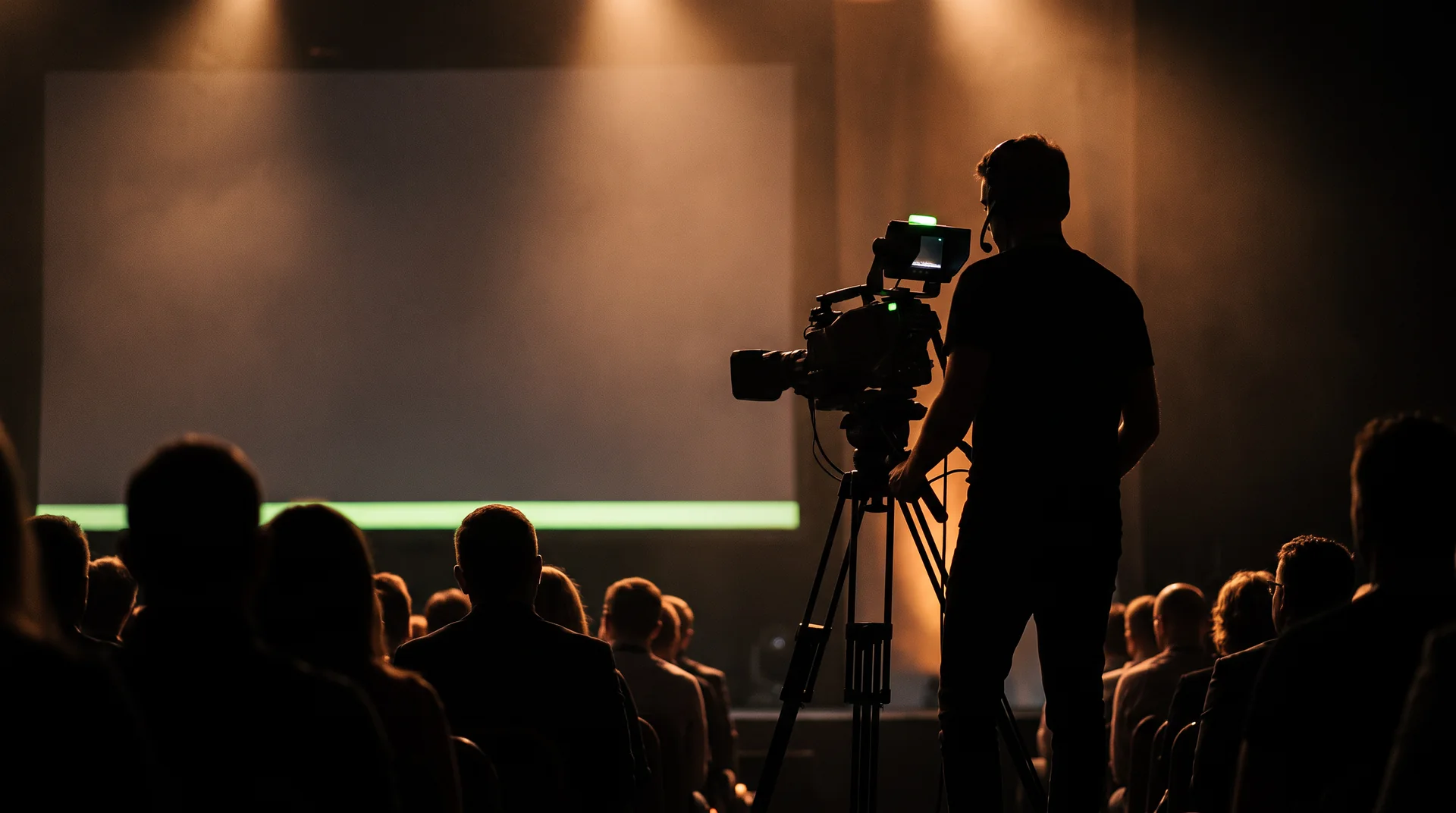
A wide shot of the room, a close shot of the speaker and a separate frame for the panel or the audience.
A director cuts between shots as things happen on stage, so the picture never sits still.
Your logo, speaker names and roles, slides taken straight from the presenter’s laptop.
Public streams to YouTube, Facebook or LinkedIn; for internal events, a private link with registration.
A speaker on Zoom or Teams appears on the room screen and in the stream, and hears the questions from the room.
A main internet line plus a mobile backup, so the stream does not drop in the middle of a talk.
Process
We go through the event, the venue, the audience and the platforms, then send a quote.
We agree camera positions, sound, connectivity and a run-of-show down to the minute.
We arrive early, test the whole chain, then watch picture, sound and the stream all the way through.
We hand over the full recording and, if you need them, social clips cut from it.
After the event
Most of an event’s value is created after it ends. The same day you have the full recording, something you can turn into content rather than an archive nobody opens.
We agree up front on what you will need afterwards and film accordingly: sound recorded separately, clean shots for clips, slides that stay readable.
No. We bring cameras, sound and directing equipment plus our own connectivity with a mobile backup. If the venue already has a sound desk or screens, we plug into them and use what already works.
It depends on the room and the programme. A single speaker or a training session is often fine with two cameras; a conference with panels and audience questions usually wants three or more. We propose the exact number once we have seen the floor plan during the consultation.
YouTube, Facebook and LinkedIn, your own website, or a private link with registration when the event is invitation only. We can stream to several destinations at once.
Yes. The full recording is part of the service, and from it we can prepare short social clips and a video for your website. We agree on what you need before the event so we film for it.
We can. The speaker joins over Zoom or Teams, the room sees them on screen along with the stream audience, and they hear the questions from the floor. We always rehearse that connection with the speaker in advance.
Two or three weeks before the event is ideal, so there is time to visit the venue and go through the programme. We take shorter notice too, whenever a crew is free on the date.
Send us the date, the venue and how many people you expect. In a free consultation we plan the technical side and put a quote together.
We quote per event: the venue, the number of cameras, the platforms and the running time.